
Media Den
Encrypt & store in your cloud
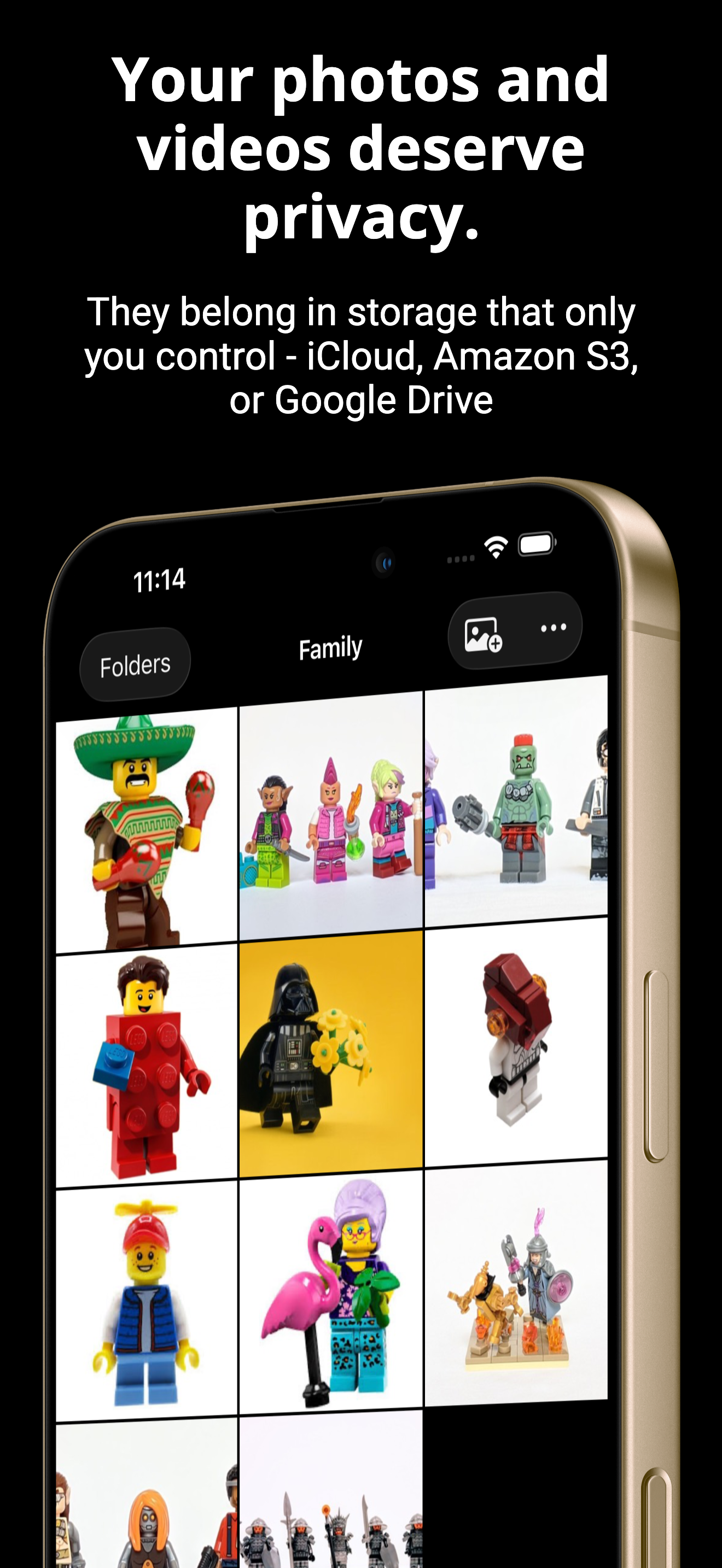
Keep sensitive photos and videos in a private vault, separate from your iPhone Photos library, encrypted on-device, and stored in your own cloud.
Your private photos keep showing up where they shouldn't
Media Den is a completely separate vault. Not part of your Photos library, invisible to widgets and Memories, and absent from every other app on your device.
Your camera roll has no concept of "private." Ours does.
Your cloud provider can see your photos
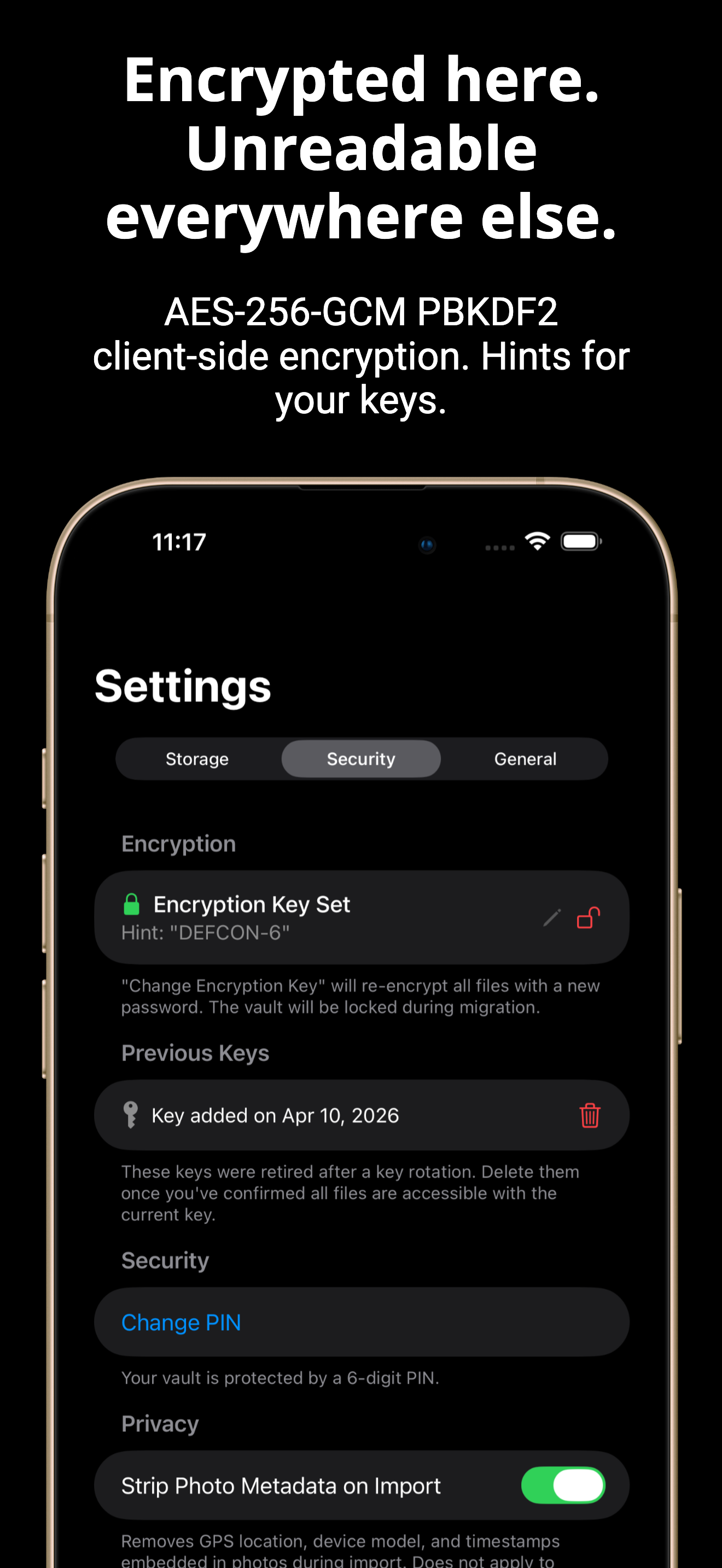
Media Den encrypts every file with AES-256-GCM on your device before upload. Your cloud provider (Amazon S3, Google Drive, iCloud Drive, or OneDrive) only ever sees ciphertext.
Your photos, your storage, your key. No one else's business.
Your photos are locked into one cloud
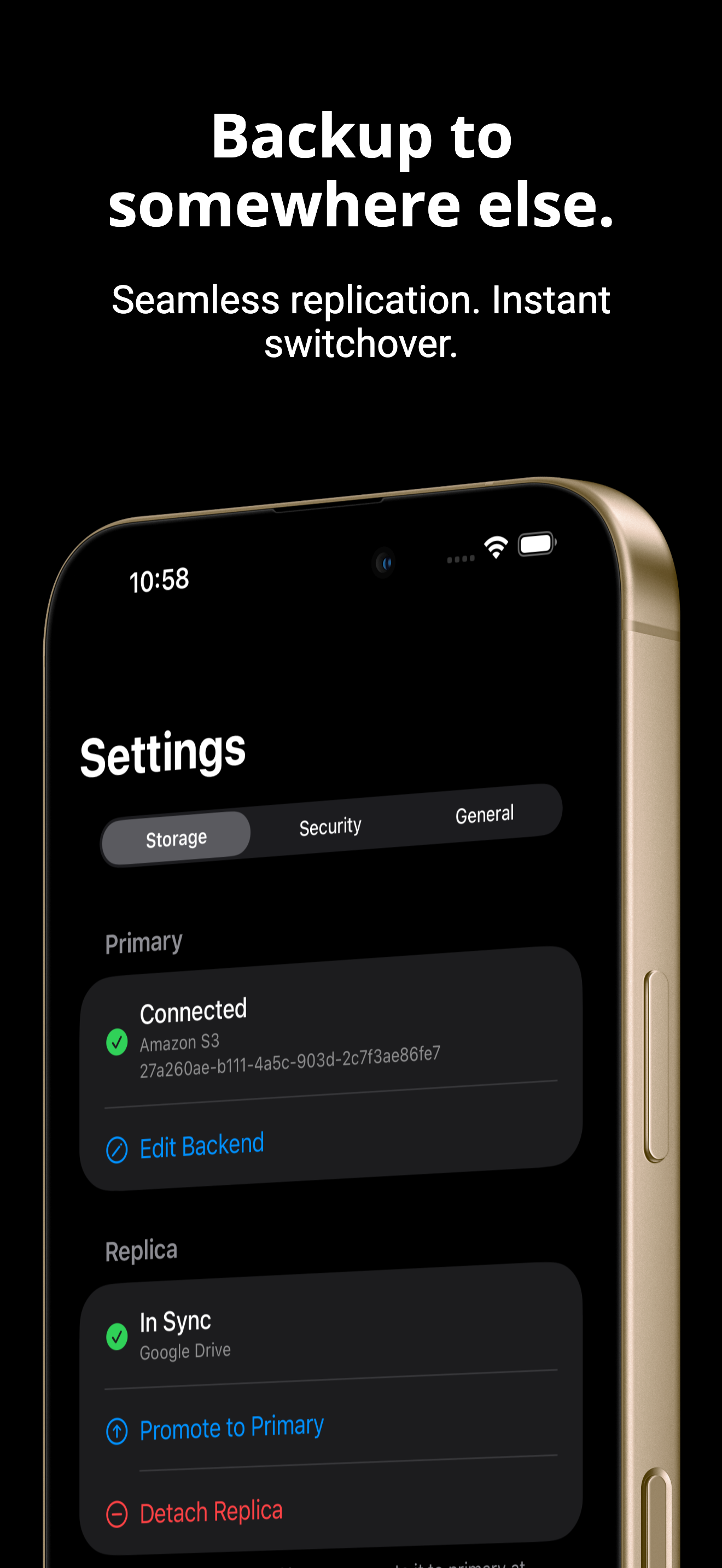
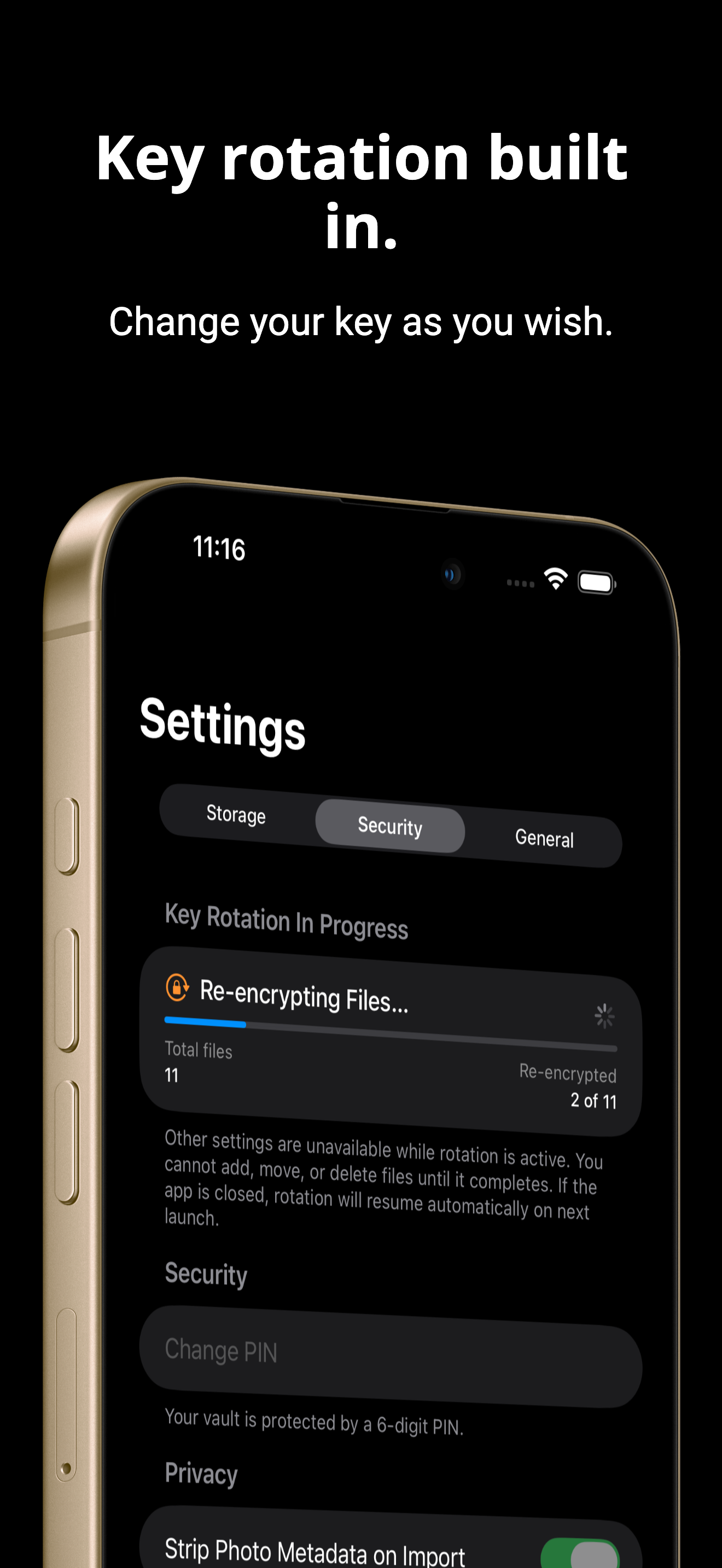
Media Den lets you replicate your vault to a second cloud for backup, and migrate between providers whenever you want.
Vendor lock-in is a feature. We fix that.
Your phone's passcode is the only thing protecting your photos
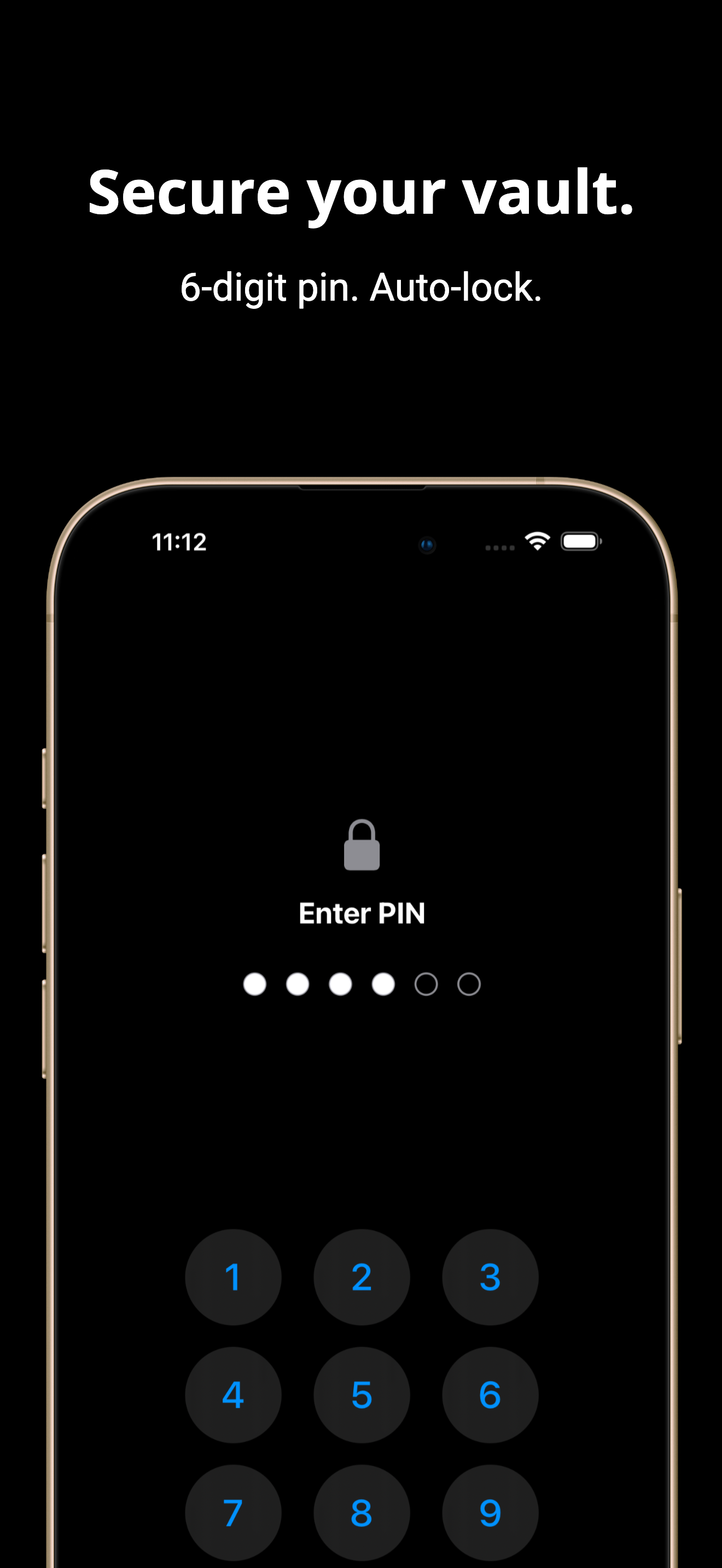
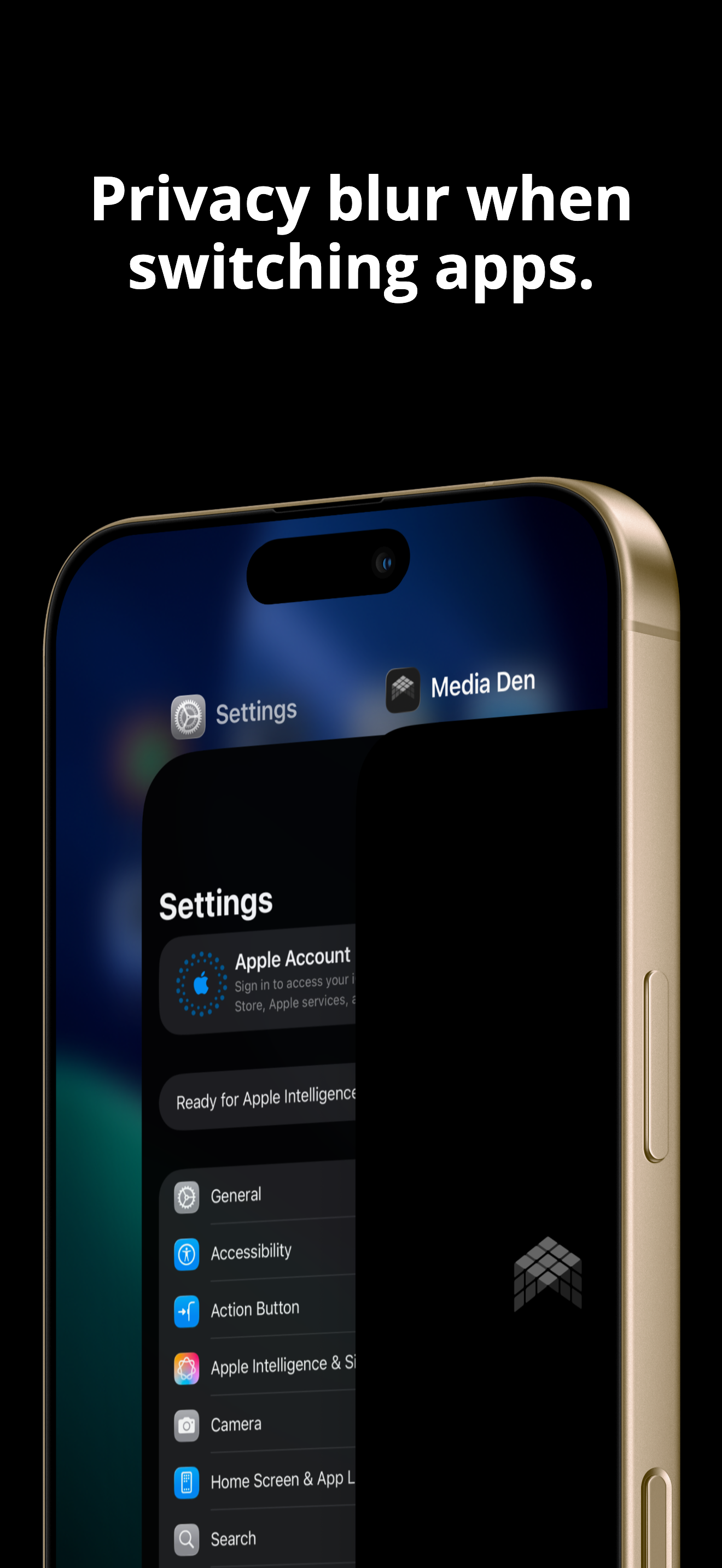
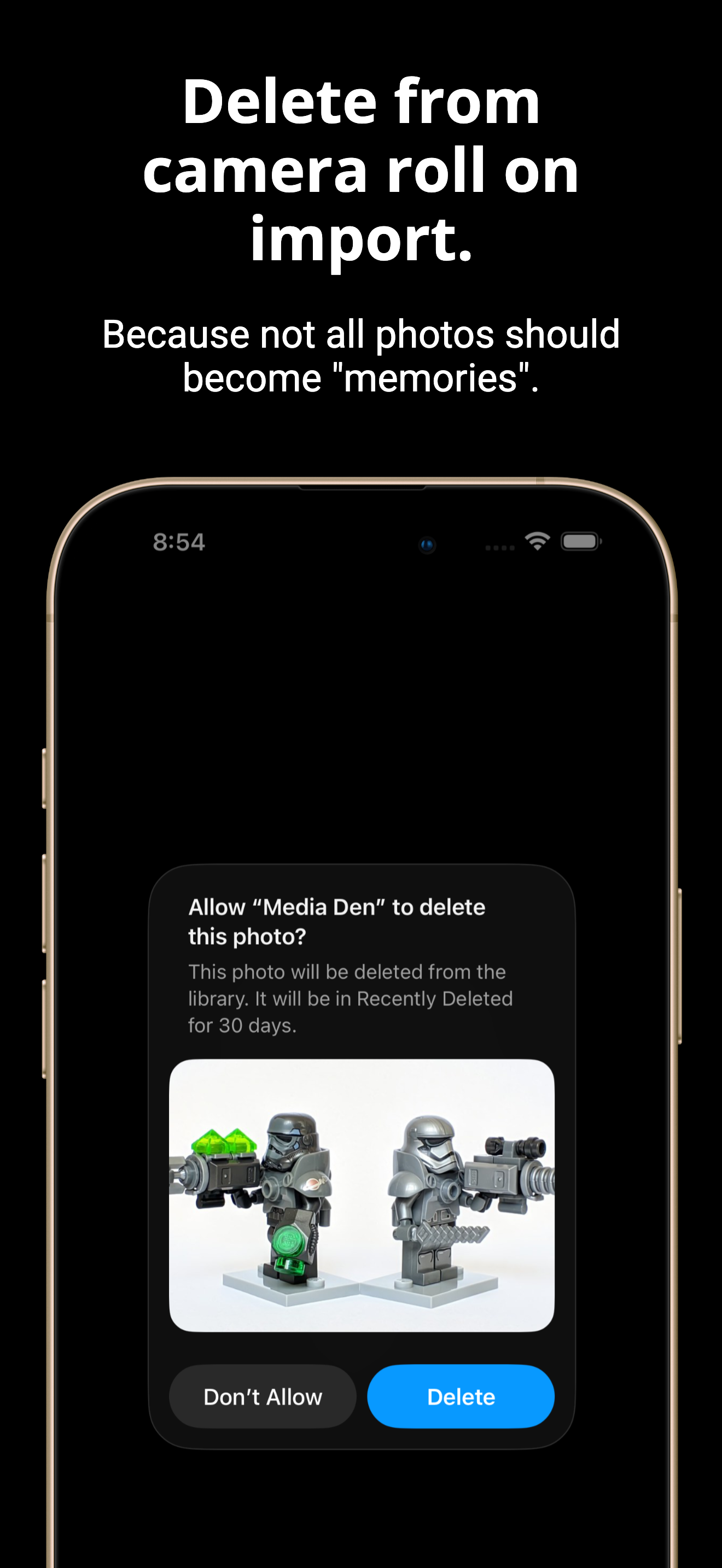
Media Den has its own 6-digit PIN with lockout, auto-locks when you leave the app, blurs itself in the app switcher, and can delete photos from your camera roll on import.
Borrowing your phone shouldn't mean browsing your secrets.
Sharing private photos means giving up privacy
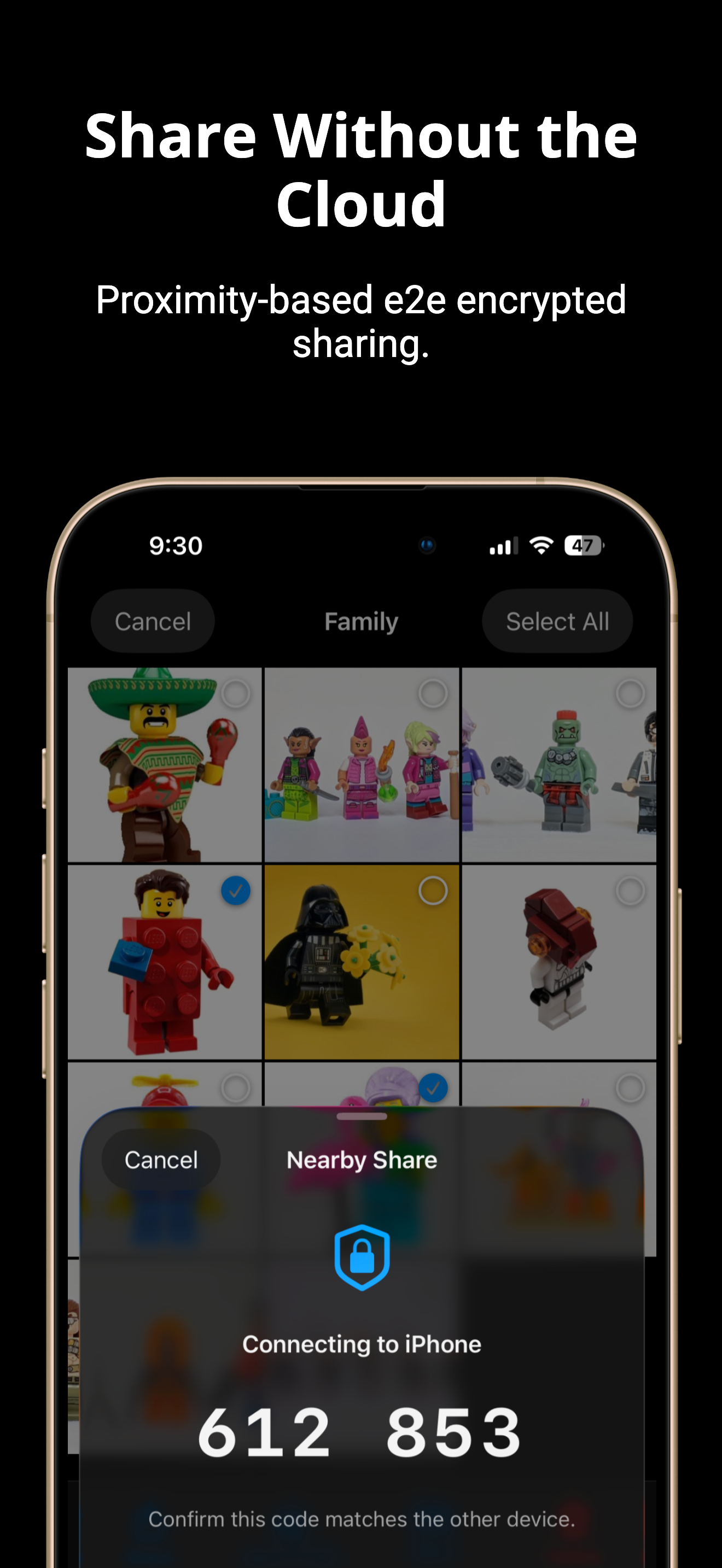
Media Den's nearby sharing is end-to-end encrypted, peer-to-peer, and requires no internet connection. Files transfer directly between devices. No server, no cloud, no middleman.
"Sent via iMessage" is not an encryption strategy.
Your photos are broadcasting your location
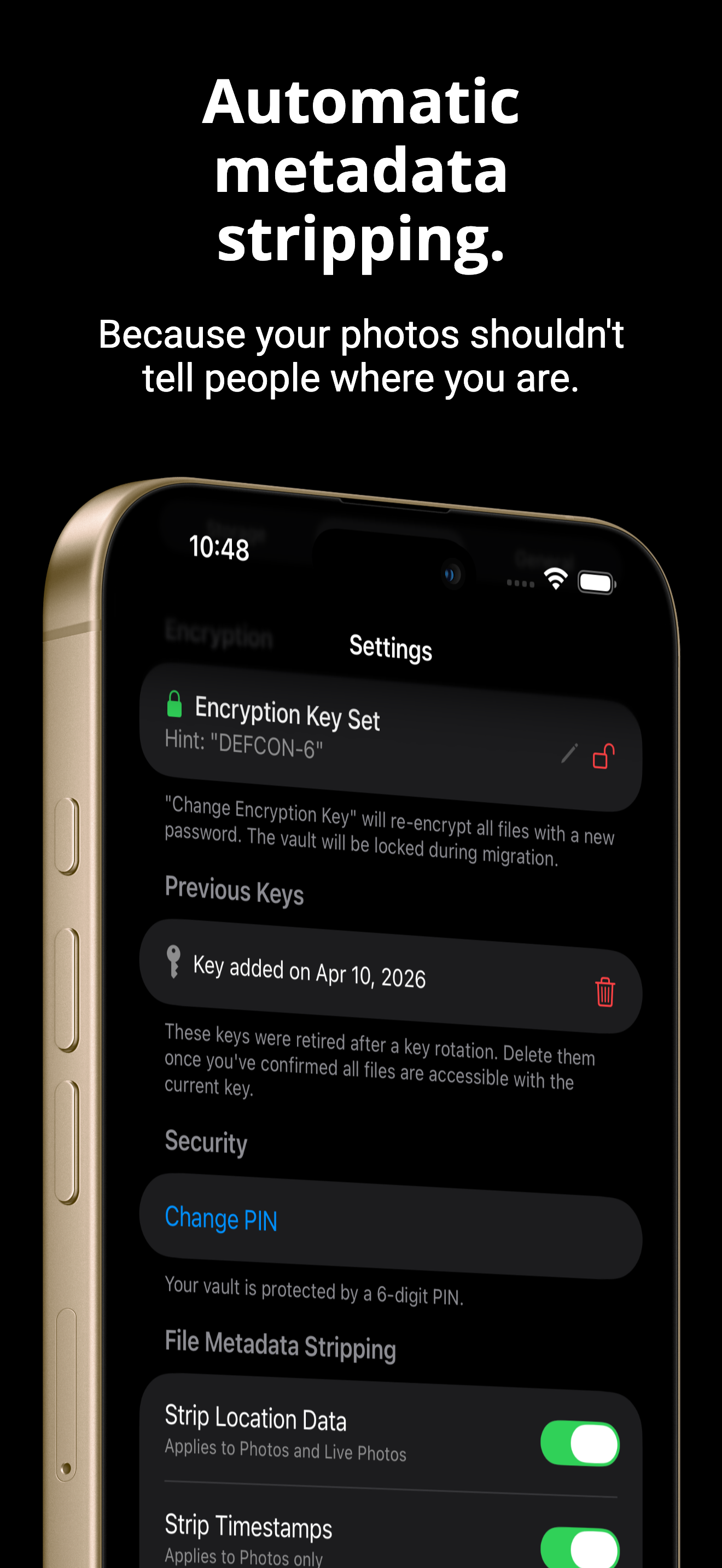
Media Den strips GPS, EXIF, and XMP metadata on import: location, device model, timestamps, camera settings. Nothing leaves your device that you didn't intend to share.
Your camera is a witness. Your vault doesn't have to be.
Most apps track what you do
Most apps ship with analytics, crash SDKs, and telemetry that phone home every time you open them. Media Den has zero tracking. No analytics, no crash reporters, no telemetry of any kind.
Privacy shouldn't stop at your photos.